How to get rid of dust spot on sensor?The picture looks fine at first sight:
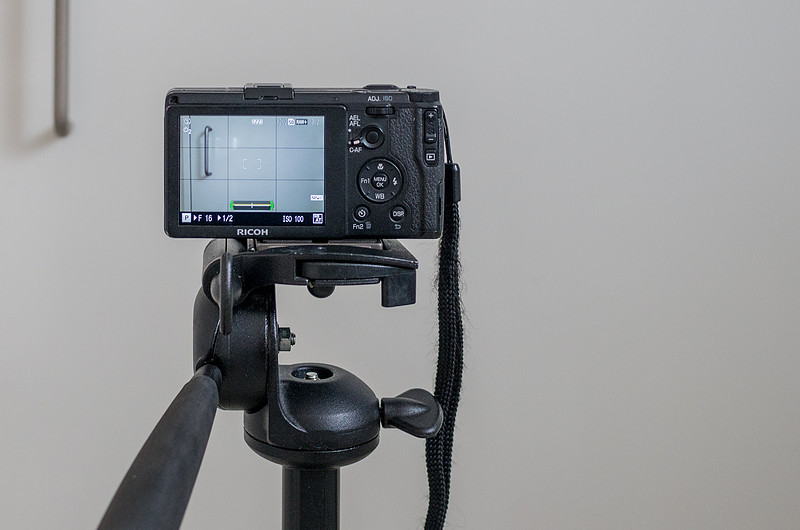
No, it's not a cloud; it is not a speck on your screen. It's a dust spot on the camera sensor. A picture of a white surface taken using a small aperture (F16)..
.. shows the dust spot (left):
It is quite common that dust enters the interior of retractable lens cameras. As long as you are not shooting the sky or a plain bright surface, there might be no visible effect. Particles that settled on the upper part of the sensor become more likely visible in scenery shots. What are the options?
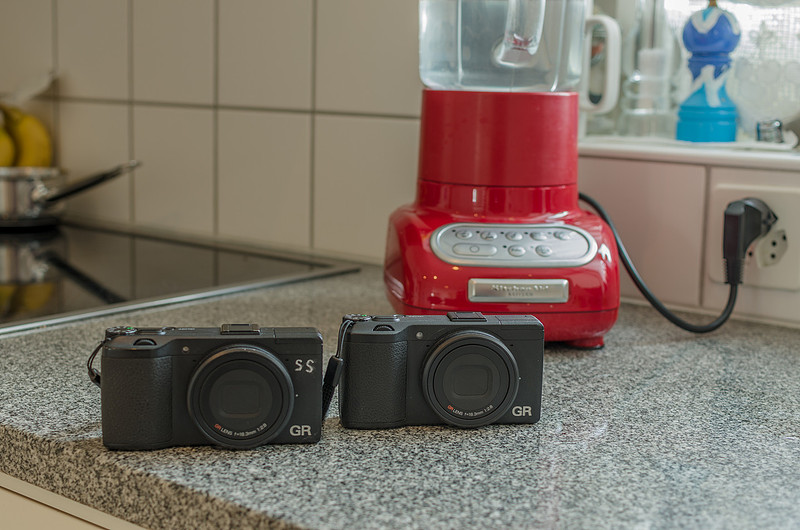
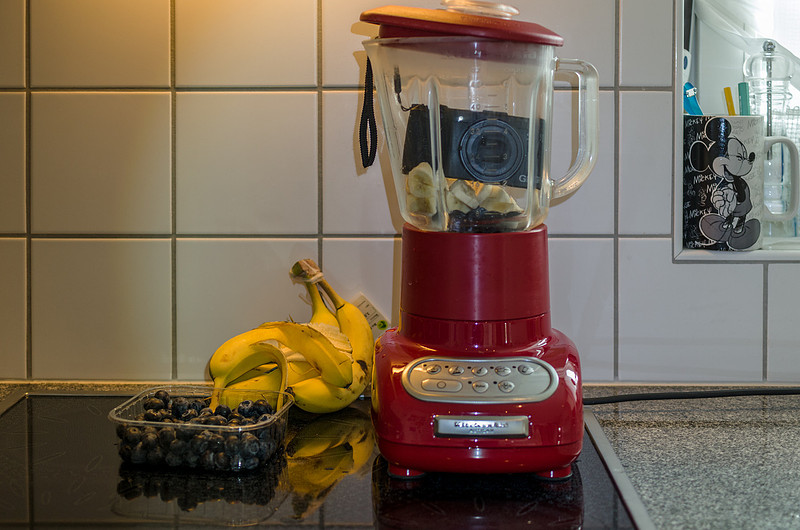
As the guarantee of my GR had expired, vibration seemed a promising option. However, I wouldn't have tried the following if I hadn't acquired a second-hand backup.
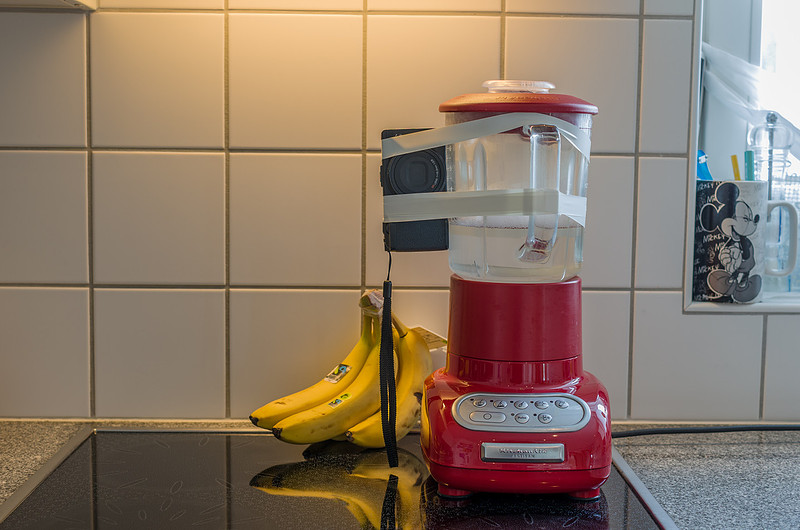
The vibration of the mixer is transferred to the GR mechanically and acoustically (see video for the later).
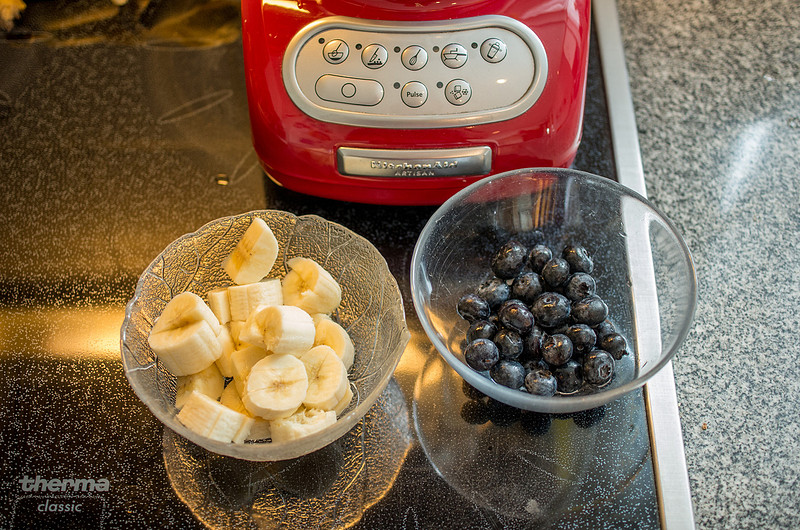
After this treatment, the sensor is checked again (picture of white surface @F16, see above) and the procedure is repeated. Mixing a smoothie at the same time helps to overcome the frustration in case of failure.
Optimized eccentric fixation of camera on the mixer to increase the vibrations:
Not achieving the desired results, the below experimental set-up was considered but not realized..
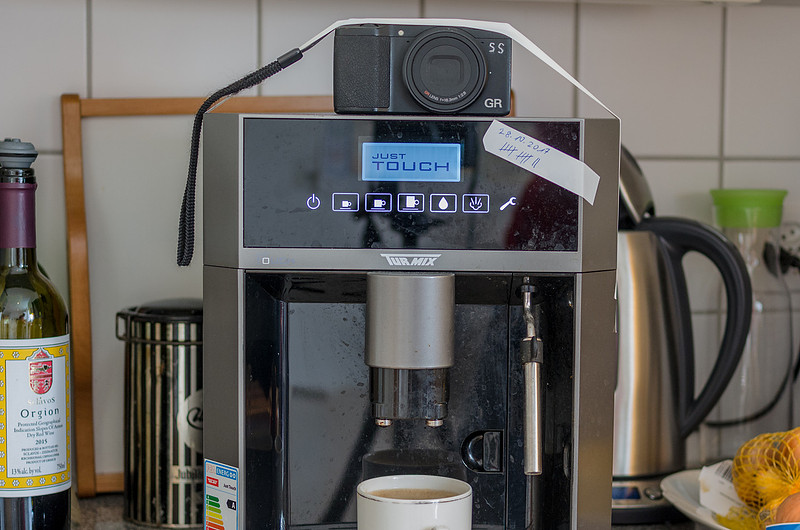
Instead, and also because of being fed-up with smoothies, another approach using the coffee machine was tried:
Grinding coffee beans produces a fair amount of vibrations although the acoustic treatment is not so impressive:
So far the dust spot is still firmly attached to the sensor. Any future success will be communicated here. Comments
Simon(non-registered)
Hehe. Very droll. Hope the smoothies and coffees were good. Sorry to hear the GR sensor was not improved.
No comments posted.
Loading...
|
Subscribe
RSS
Archive
January
February
March
April
May
June
July
August
September
October
November
December
|